DoomDash – easiest way to play classic doom
A downloadable launcher for Windows and macOS
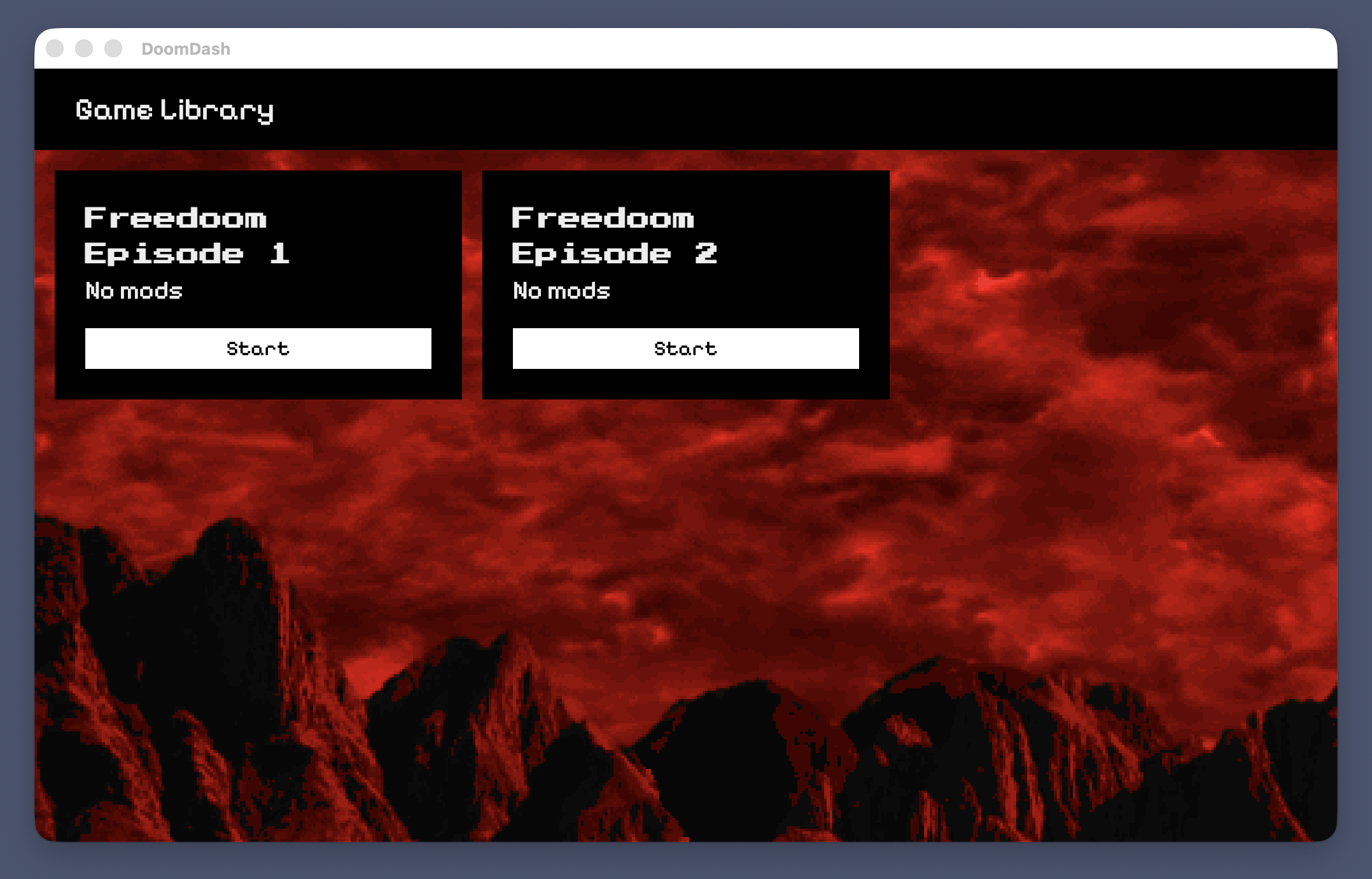
DoomDash(name is not final, but has a rationale) is a launcher, inspired by SSGL and GZDeck launchers. It's goal is to provide entertaining vibe and be accessible to the players who are new to classic doom territory.
If you want to know more, you can check those:
- Project's GitHub: https://github.com/doomdash/doomdash
- My initial idea description in more detail (it's a bit outdated) https://gist.github.com/skorphil/51e6ea ... 7ff74c8c92
- Tech stack https://github.com/doomdash/doomdash/wi ... tech-stack
- My thoughts on UX principles for this project and how they were followed in a prototype https://github.com/doomdash/doomdash/wi ... s-proposal
Discussion:
- zdoom forum: https://forum.zdoom.org/viewtopic.php?t=81150
- doomworld: https://www.doomworld.com/forum/topic/156319-i-want-to-make-ssgl-launcher-great-...
I’d love to hear your thoughts, as I think your input is essential to getting this right.
Download
Install instructions
Windows:
App needs to be run as administrator
MacOS:
To run the app if you get a warning saying that the app is either “damaged” or the developer is “unidentified” (this is because prototype is not signed):
- open a Terminal window (open Spotlight with ⌘+space and look for “terminal”)
- copy
xattr -crand drag & drop DoomDash.app into the terminal, so your command will be:xattr -cr <path to app>/DoomDash.app - press enter, and close the Terminal window
- launch DoomDash.app normally
Development log
- Created project's page on itch.ioDec 19, 2025
Leave a comment
Log in with itch.io to leave a comment.